
Microsoft Word: The Basics (text-based) Training
Microsoft Word is a tool which is widely used around the world. Whether you’re new to Word or just need to brush up on your skills, this text-based course provides a clear, practical guide to mastering the essentials and boosting your productivity.
Short format course
This course forms part of our inclusive short-format library, which includes a range Soft Skills, text-based and audio-based courses.
You can access our entire short-format library for free with any user-based plan.


Microsoft Word can help produce professional and attractive results for school, work or personal use.
- Soft Skills
- 40 languages
- 20m
Learning outcomes
-
Be familiar with Microsoft Word and its layout
-
Be able to create and save Word documents
-
Be able to use additional features to improve your work, productivity, and collaboration
Your trial awaits!
Covered in this course

Course contents
This training course is broken down into 2 sections
-
1The Basics
-
2Additional Features
About this course
Mastering Microsoft Word is more than just learning a tool; it’s about accessing greater efficiency and creativity both personally and professionally.
This course is designed to make navigating the features of Microsoft Word simple and effective. From understanding the layout to mastering essential tools like formatting text and saving documents, this course has everything you need to get started.
This training course is packed with hands-on guidance to help you make the most of Microsoft Word for your future projects.
Other people also bought
The importance of Microsoft Word Training
It's important that you comply with the law and understand the positive impact this training course can have on your organisation and employees.
Find out moreAvailable in 43 languages
All inclusive
Machine translated* content is included for free with all our popular courses
It covers LMS navigation, course transcripts and test questions. If you don’t see a course listed in the language you require, just let us know.
*Content which is not English may be machine translated and is for assistive purposes only. We cannot guarantee the accuracy of translations.
Our most popular languages
Microsoft Word: The Basics Training certificate
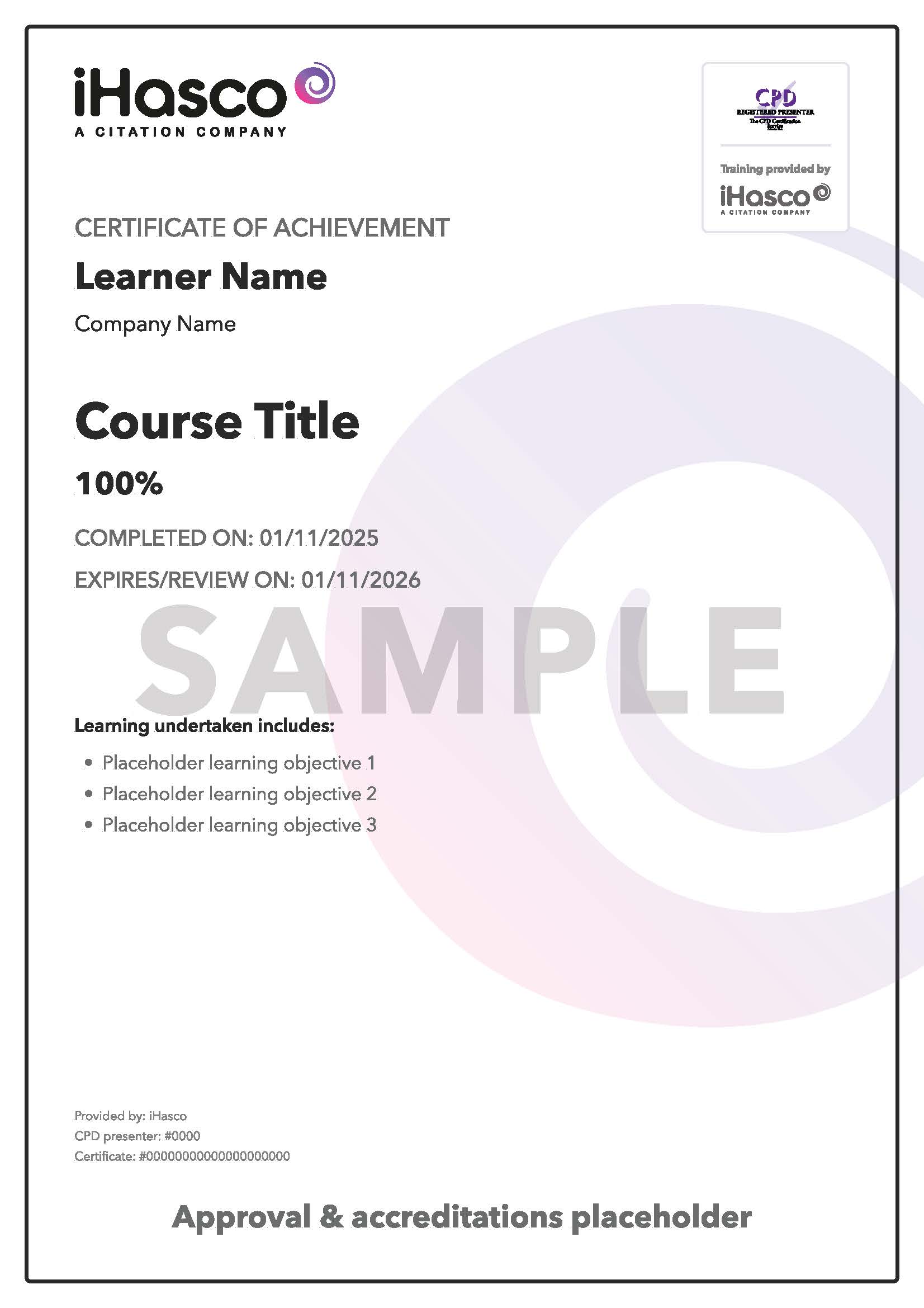
Download and print
Each of our courses ends with a multiple-choice test to measure your knowledge of the material.
This Microsoft Word: The Basics Training course concludes with a 20 question multiple choice test with a printable certificate. In addition, brief in-course questionnaires guide the user through the sections of the training and are designed to reinforce learning and ensure maximum user engagement throughout.
As well as printable user certificates, training progress and results are all stored centrally in your LMS (Learning Management System) and can be accessed any time to reprint certificates, check and set pass marks and act as proof of a commitment to ongoing legal compliance.
What does my certificate include?
Your Microsoft Word: The Basics Training Certificate includes your name, company name (if applicable), name of course taken, pass percentage, date of completion, expiry date and stamps of approval or accreditations by recognised authorities.
Please note if you are using our course content via SCORM in a third party LMS then we are unable to provide certificates and you will need to generate these in your host LMS yourself.
10 real user reviews
4.1
out of 5
Loading reviews…
技术性很强,非常有趣
This user gave this course a rating of 5/5 stars
MICROSOFT WORD BASICS
REALLY GOOD COURSE TO ENROLL IN WHEN YOU ARE DUE TO START WORKING AGAIN, AFTER A PROLOUNGED AMOUNT OF TIME AND YOU HAVE TO GO INTO A DIFFERENT WORKING ENVIRONMENT.
Excellent
An excellent course for someone who did not have the opportunity to have this course at school. Thank you!
it is interesting
the corce is a powerful tool for use and imprve my capacity to my confidence and trust me how i use , and help ful to individuals.
it is interesting
This user gave this course a rating of 5/5 stars
Good basics for a starter
This user gave this course a rating of 5/5 stars
Why is this training important?
Whether you’re drafting reports for work, completing assignments for school, or crafting personal projects, Word helps you do it all with polish and professionalism.
This training equips you with practical skills to streamline your tasks, from creating and formatting documents to using advanced features that boost collaboration and productivity. Save huge amounts of time by learning essential shortcuts, craft eye-catching documents, and collaborate seamlessly with colleagues – all thanks to a solid foundation in Word.
Related articles


Office & Compliance
The benefits of remote working for employers and employees
Last updated 10 Jun 2026


Office & Compliance
Free download: How investing in an LMS can help boost employee retention
Last updated 9 Oct 2025